
About Course
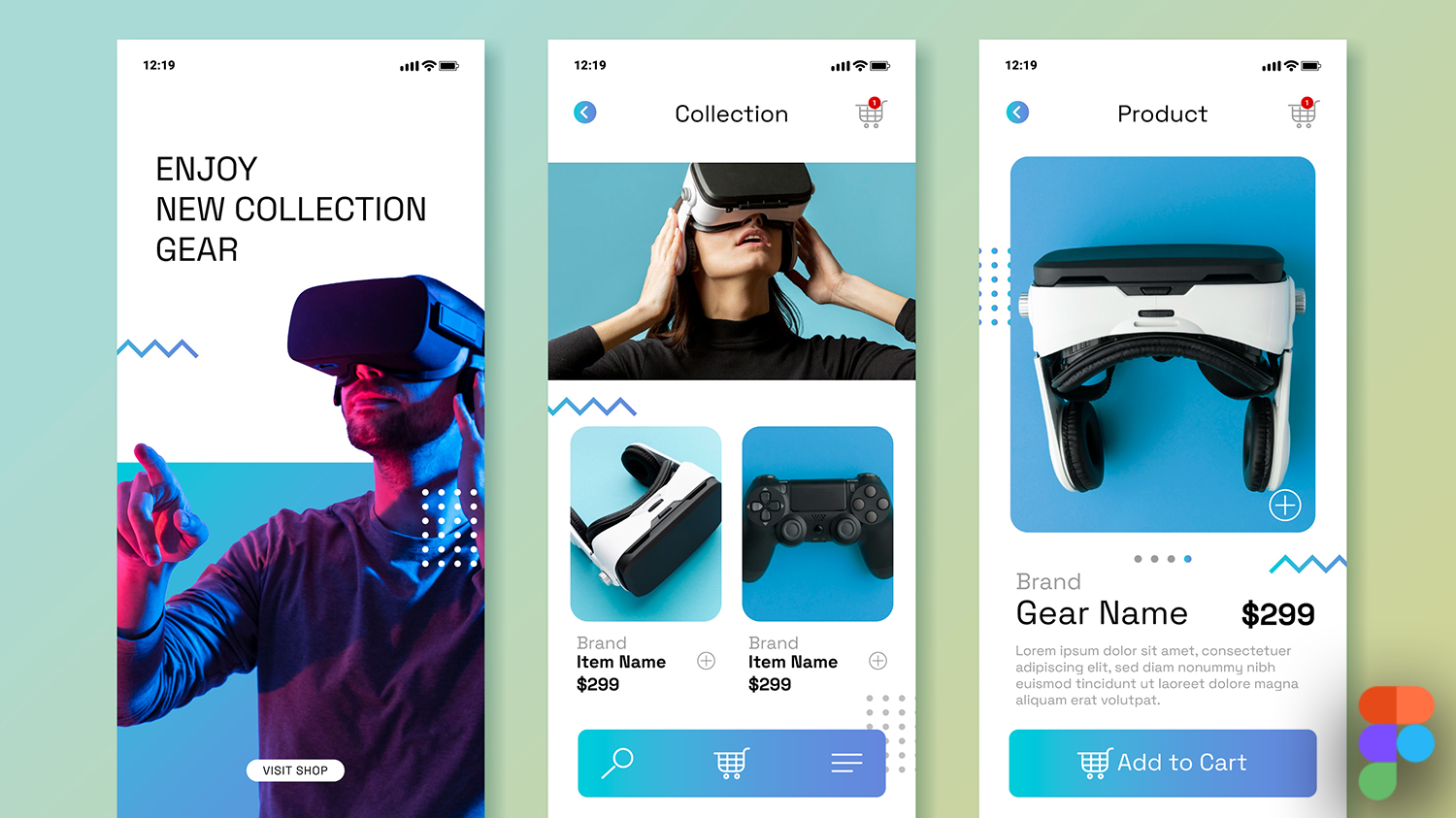
In this course, you will learn how to create beautiful, user-centered digital experiences from the ground up. You’ll build a strong foundation in visual design, interface principles, and UX thinking, while mastering modern tools and techniques used by product designers worldwide.
You will design clean, consistent interfaces, craft meaningful user journeys, create interactive prototypes, and apply motion and micro-animations to elevate user experiences. Hands-on projects guide you in responsive, mobile-first design, building scalable design systems, UI kits, and professional component libraries.
You’ll work with industry-standard tools like Figma, applying best practices in layout, typography, color, accessibility, and design documentation. Courses also integrate UX writing and SEO-aware design, ensuring your work is both user-friendly and business-ready.
By the end of this course, you’ll be equipped to produce polished UI/UX work, manage scalable design systems, and communicate design decisions effectively—preparing you for roles in product teams, agencies, or freelance design projects locally and globally.
Course Content
UI Design Principles (PDS 101)
-
Foundations of User Interface Design
-
Visual Elements: Typography, Color, and Hierarchy
-
Structure and Layout Systems in Interface Design
-
Design Consistency, Patterns, and Component Behavior
-
Evaluation, Accessibility, and Ethical Design Practice